

Product Description +
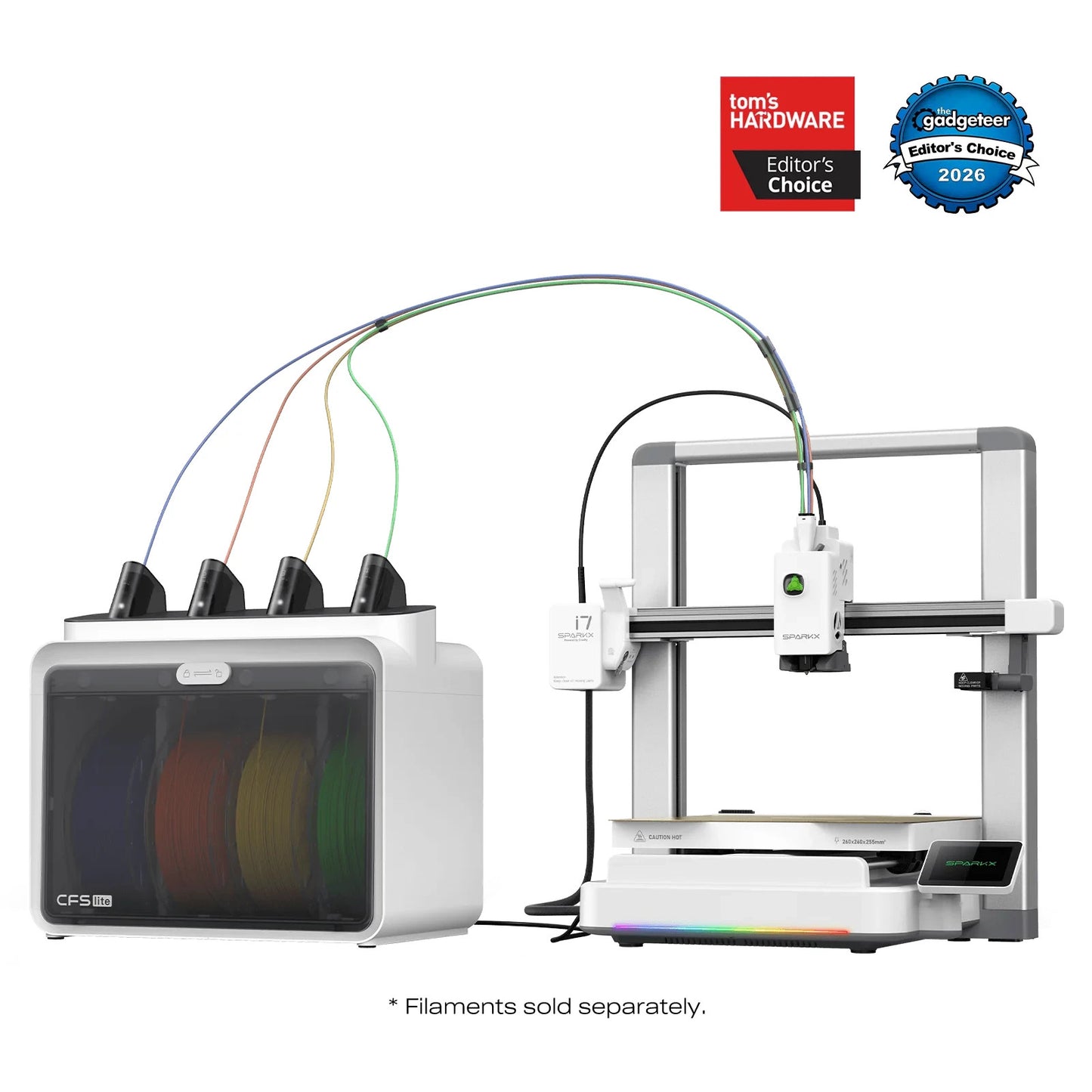
Creality SparkX i7 Combo 3D Printer
Beginner-friendly FDM/FFF 3D printer with multi-color printing capabilities
Product Description
The Creality SparkX i7 Combo is a beginner-friendly FDM/FFF 3D printer for creative printing projects, multi-color models, and comfortable daily use. The combo version is aimed at users who want to start directly with advanced functions and multi-color printing.
The AI Photo-to-3D function is designed to make getting started easier by allowing a printable 3D model to be prepared from a photo. This makes the printer particularly suitable for users who want to quickly implement their own ideas without having to design every model completely themselves.
With automatic calibration, quick setup, RGB status lighting, and a quiet night mode, the SparkX i7 is designed for ease of use. The printing speed of up to 500 mm/s enables fast printing processes, provided the model, material, print profile, and desired quality are suitable.
For multi-color printing, the SparkX i7 is designed to reduce material waste through efficient filament management. However, as with all multi-color printing systems, the amount of waste and printing time depend heavily on the model, color changes, and the selected slicer settings.
Technical Data
| Brand: | Creality |
| Model: | Creality SparkX i7 Combo |
| Printing technology: | FDM/FFF |
| Max. printing speed: | up to 500 mm/s |
| Night mode: | 45 dB according to product specification |
| Calibration: | automatic calibration and leveling |
| AI function: | AI Photo-to-3D |
| Lighting: | RGB status lighting |
| Setup: | quick, beginner-friendly commissioning |
| Delivery time note: | Shipping may take approx. 5–10 days. |
| Other features: |
Note
Actual print speed, volume, and print quality depend on the model, material, slicer profile, environment, and selected quality setting. Shipping may take between 5 and 10 days.
Shipping & Returns +
Shipping: Available shipping options and rates are shown during checkout.
Returns: The return and cancellation terms provided in this store apply.
If you have questions about shipping, delivery times or returns, we are happy to help.
Why this product? +
This product was selected for our store because it combines quality, everyday usability and reliable 3D printing results.
Especially with filaments, we focus on trusted brands, consistent quality and products that perform well in practical use.
Frequently Asked Questions about this Filament
How should filament be stored?
Filament should be stored dry and protected from moisture. If the material has absorbed moisture, drying it before printing can improve print quality.
Are print settings the same for every printer?
No. Temperature, speed, cooling and flow settings may need to be adjusted depending on the printer, nozzle, build plate and material condition.
Which filament is best for beginners?
PLA is usually the easiest material for beginners. PETG is a good next step when more toughness and temperature resistance are needed.
Why is dry filament important?
Moist filament can cause stringing, bubbles, rough surfaces and weak layer adhesion. Dry storage helps keep print quality consistent.
Can every filament be printed on every printer?
Not always. Some materials need higher temperatures, an enclosed build chamber or a specific extruder setup. Always check whether your printer is suitable for the material.
How do I improve print quality?
Good print quality depends on dry filament, suitable temperature settings, correct bed adhesion, calibrated flow and a clean nozzle.